Press Kit
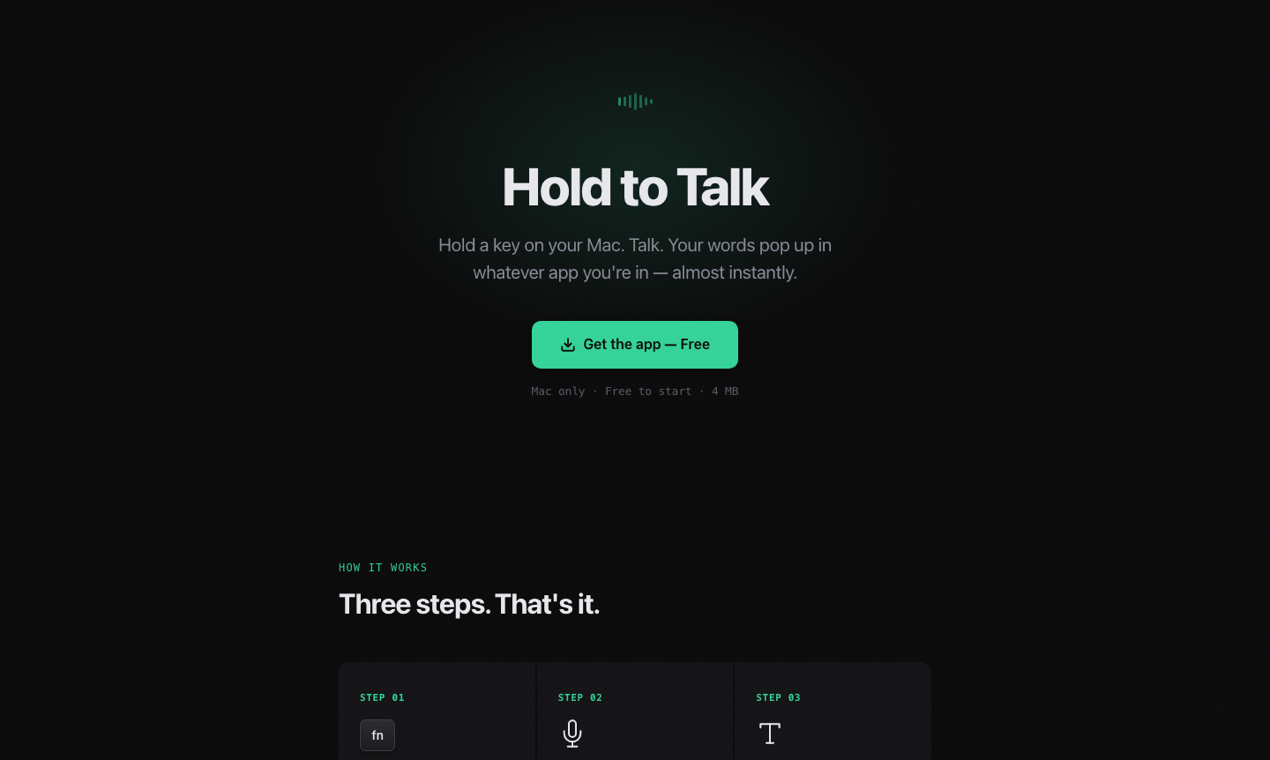
Short description: Hold to Talk is a Mac dictation app. Hold a key, speak naturally, release, and your words are pasted into the active app.
What happens after install
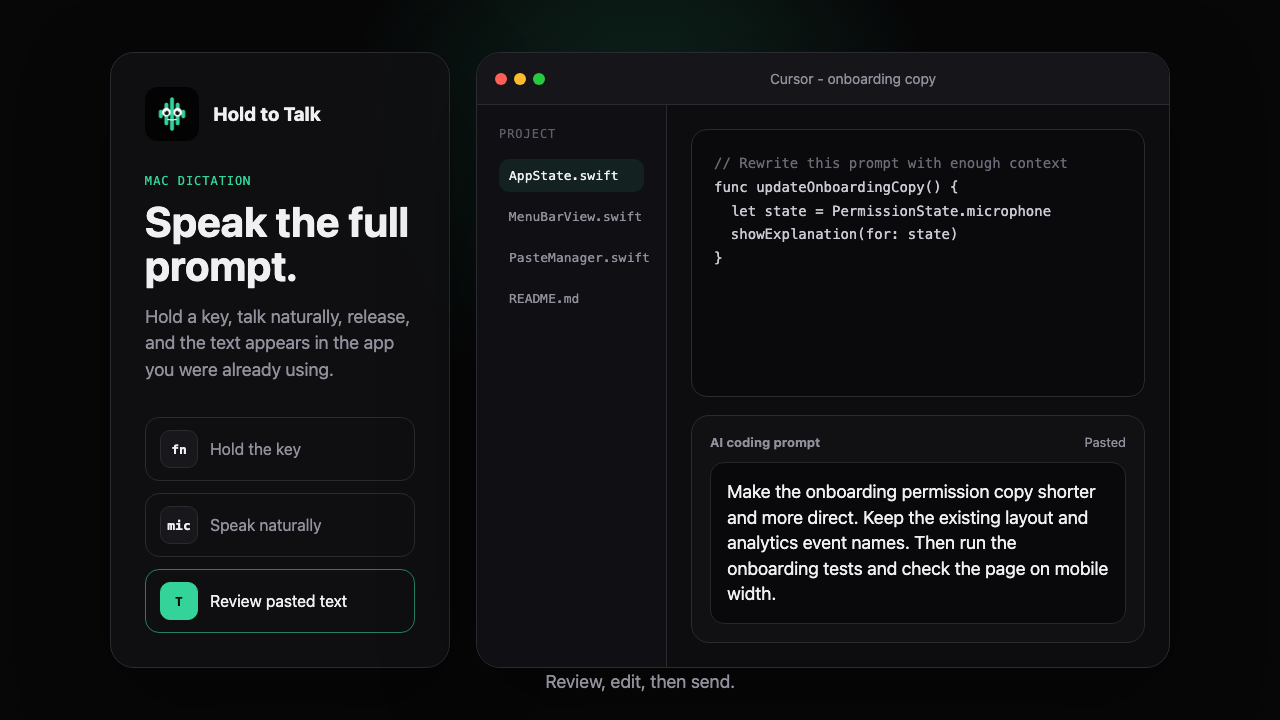
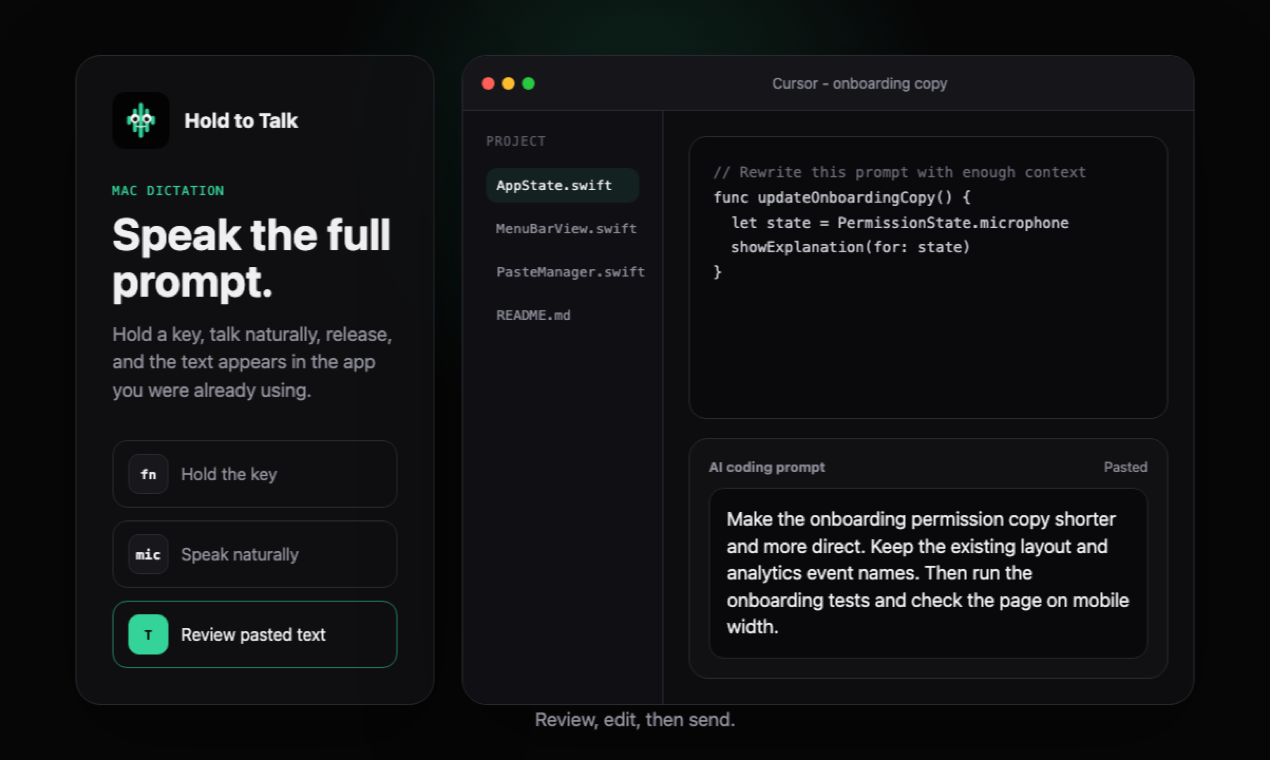
See the demo- Focus any Mac text field.Cursor, ChatGPT, Slack, email, docs, terminals, browser forms, and more.
- Hold the shortcut and speak.Use Option-Space or a custom hotkey only while you are talking.
- Release to paste.The transcript appears in the active app instead of a separate dictation workspace.
- Review before sending.Hold to Talk never auto-submits prompts, messages, emails, or commands.
Product facts
| Product | Hold to Talk |
| Category | Mac dictation app, voice-to-text utility, speech-to-text software |
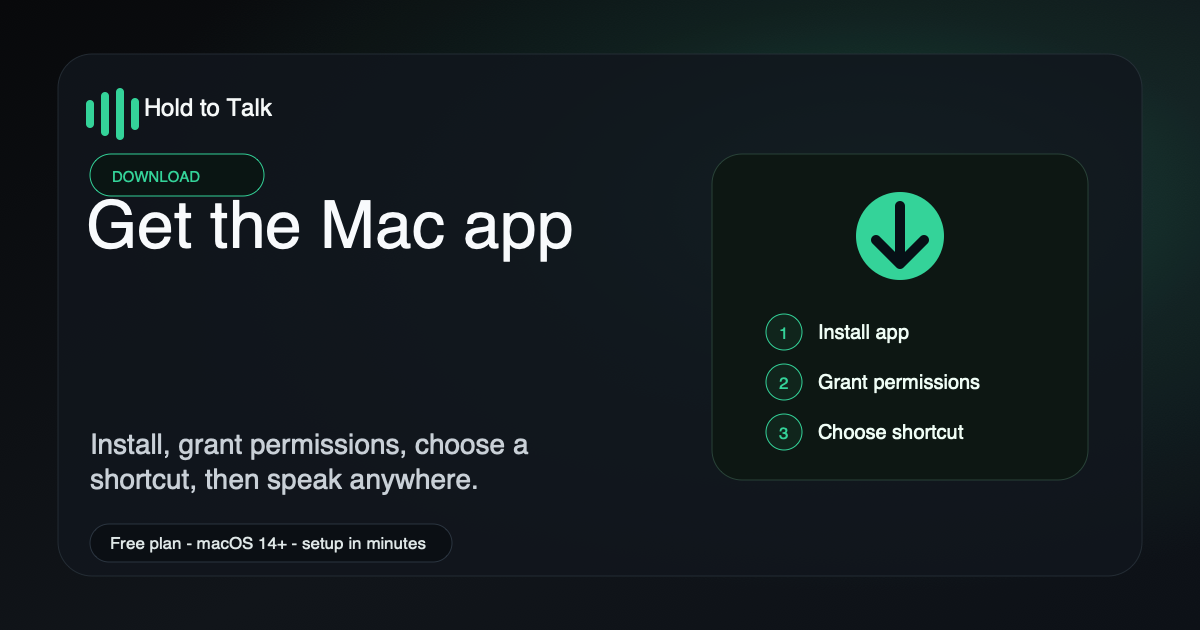
| Platform | macOS 14 Sonoma or later, Apple Silicon and Intel Macs |
| Workflow | Hold a key, speak naturally, release, and text is pasted into the active app |
| Default shortcut | Option-Space, with support for a custom hotkey |
| Privacy | Zero server-side audio retention; transcript history is stored locally on the Mac |
| Pricing | Free plan with about 2,000 words per week; Pro is $10/month for 30 hours per month |
| Best fit | Developers, AI prompt writers, Slack/email/docs users, and anyone who dictates across many Mac apps |
Launch and directory facts
Use these facts for product launch pages, startup directories, editorial review forms, and partner-review intake.
| Primary launch URL | https://holdtotalk.com/ |
| Press kit URL | https://holdtotalk.com/press/ |
| Demo URL | https://holdtotalk.com/demo/ |
| Mac App Store | https://apps.apple.com/us/app/holdtotalk-voice-dictation/id6787037781 |
| Current release | Version 1.2.68, build 108 |
| Suggested launch tags | Productivity, Developer Tools, Artificial Intelligence, Mac, Voice-to-text |
| Directory categories | Productivity, Speech Recognition, Developer Tools, Mac Apps |
| Launch surfaces | Product Hunt, StartupBase, Microlaunch, Uneed, Mac app directories, editorial outreach |
| Not positioned as | Meeting recorder, call recorder, note-taking workspace, fully offline transcription suite |
Best-fit review angles
AI prompt writing
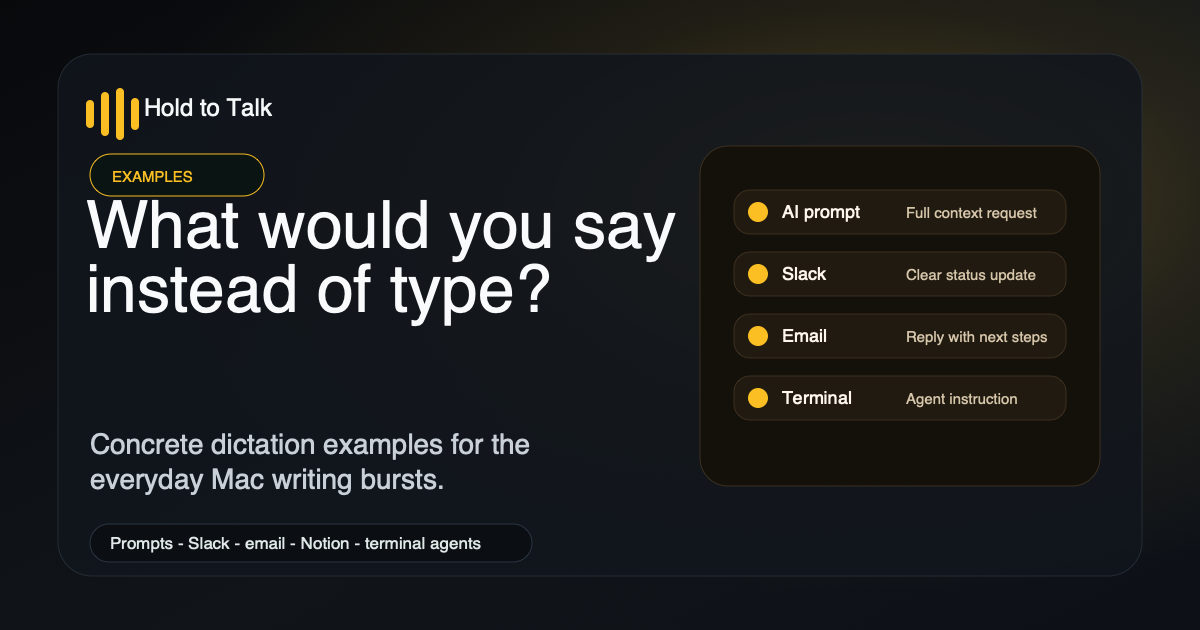
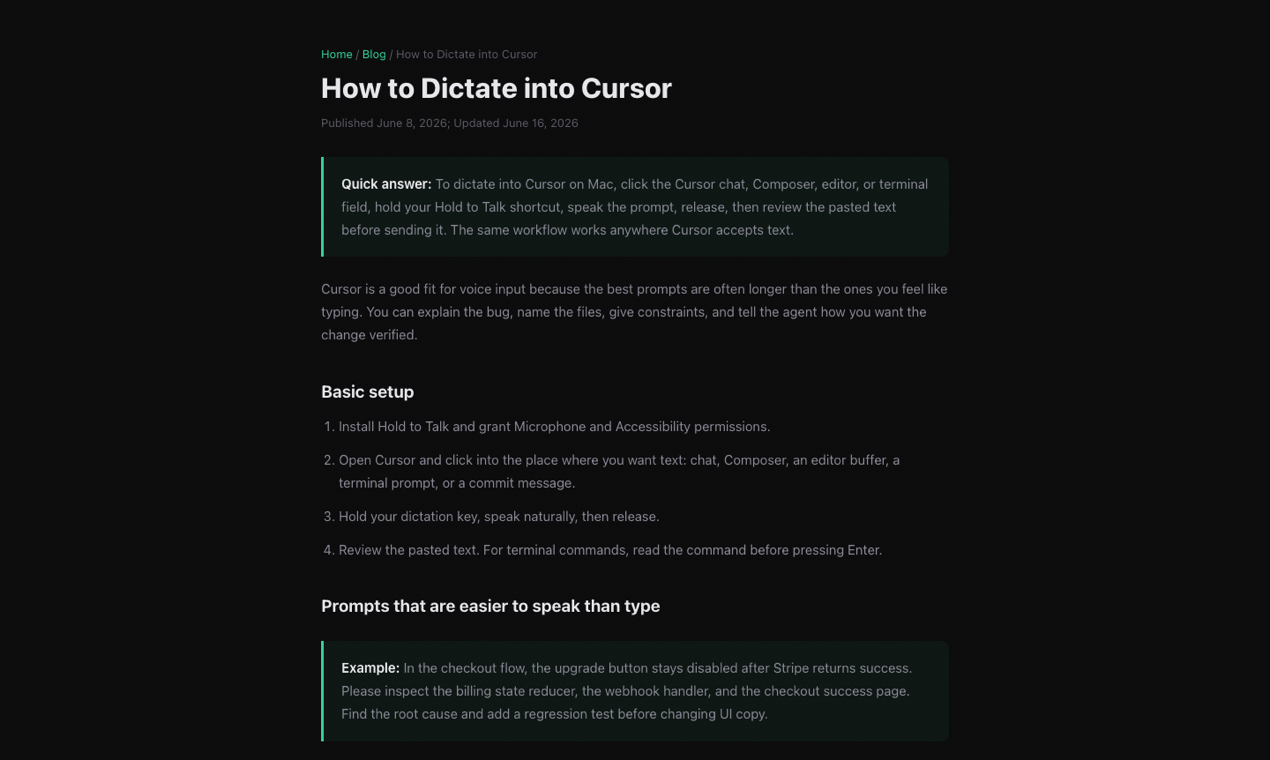
Hold to Talk is useful when prompts for ChatGPT, Claude, Cursor, Claude Code, Codex, and terminal agents are too long to type comfortably.
Mac menu bar workflow
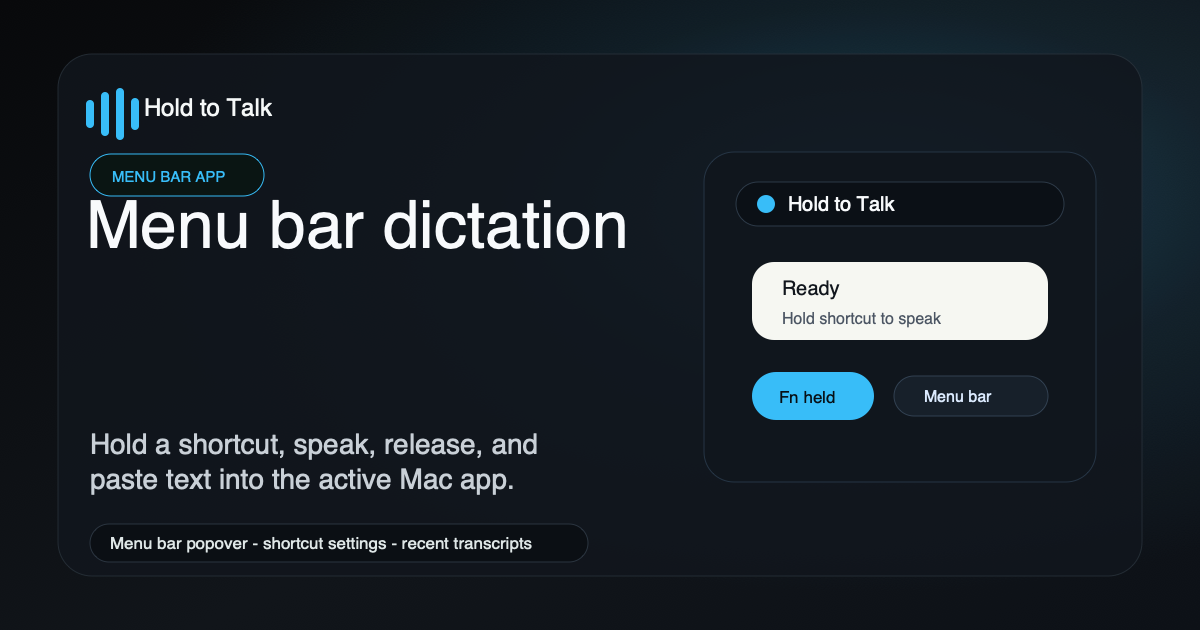
The app lives in the macOS menu bar and uses a press-and-hold shortcut instead of a separate transcription workspace.
Developer productivity
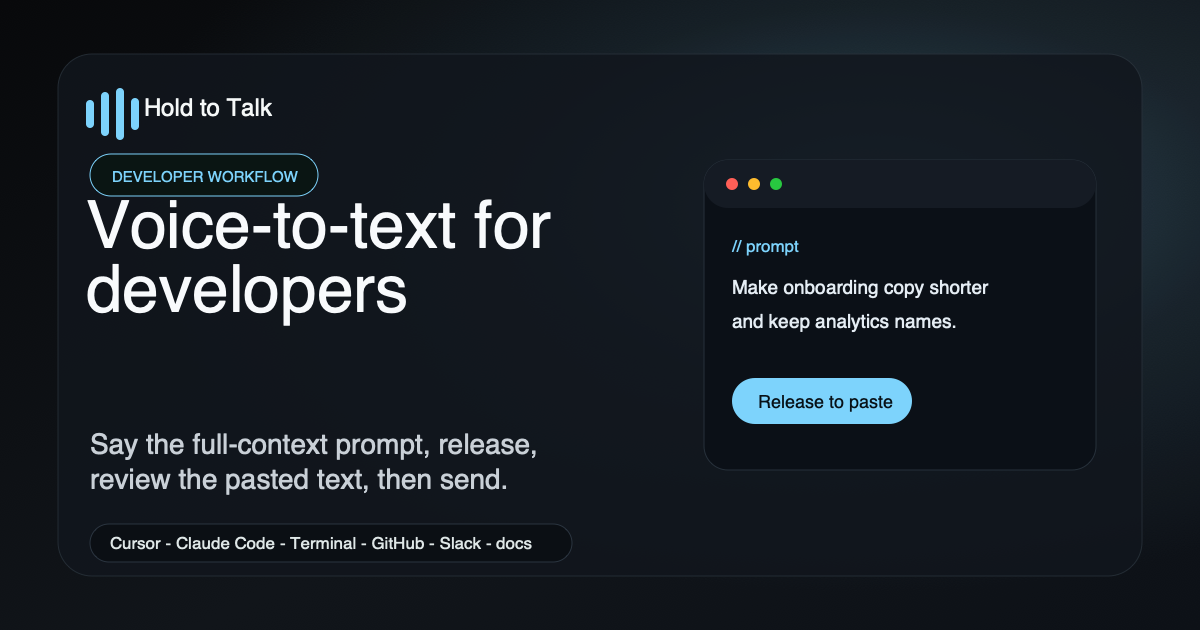
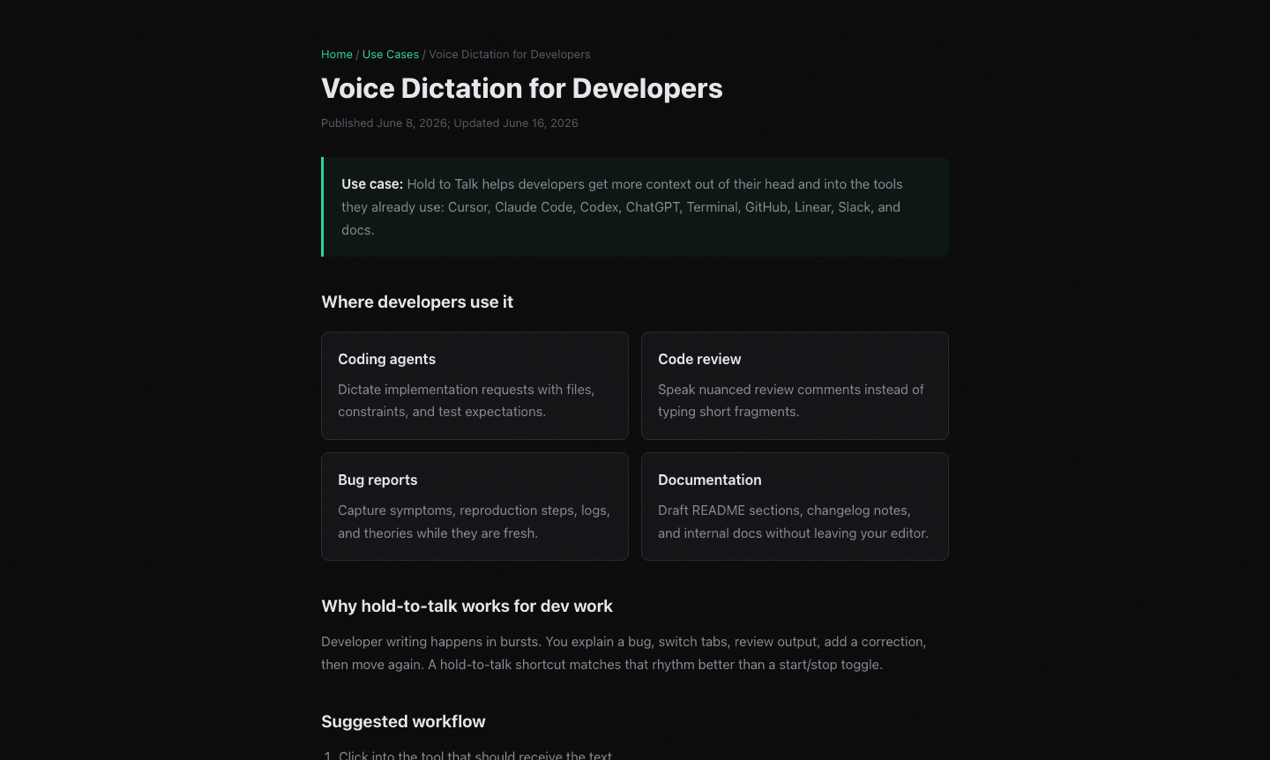
Developers can dictate bug reports, code review comments, commit messages, terminal-agent instructions, and product notes without changing apps.
Privacy posture
Cloud transcription is used for speed with zero server-side audio retention; transcript history is stored locally on the user's Mac.
Channel-specific fit
| Surface | Best fit | Useful assets |
|---|---|---|
| Product Hunt | Launch listing | Homepage, demo, Product Hunt thumbnail and gallery assets |
| StartupBase | Startup/productivity listing | Press page, app icon, press-kit screenshot, founder note |
| Microlaunch | Indie product launch | Press page, app icon, launch description, demo video |
| Uneed | AI/productivity tool directory | Press page, app icon, homepage screenshot, tags |
| Macworld | Mac review/editorial pitch | Press page, demo, Mac App Store listing, current release facts |
| MacStories | Apple productivity/editorial pitch | Press page, workflow angle, demo, screenshots |
| 9to5Mac | Mac productivity news tip | Press page, short launch angle, screenshots |
| MacRumors | Apple/Mac news tip | Press page, concise product facts, Mac App Store listing |
| Setapp | Partner review | Press page, platform, pricing, current version, daily workflow fit |
Demo video and media assets
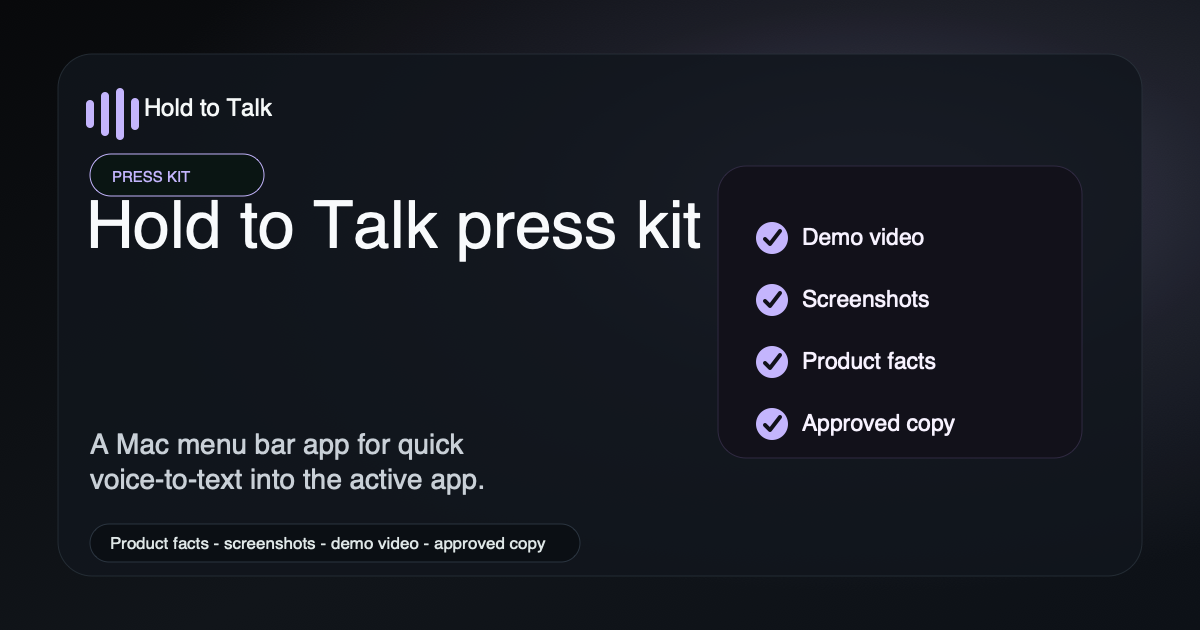
Use these assets for launch listings, product directories, social previews, and press coverage.
Reviewer data and discovery links
These links expose the same product facts in structured formats for directories, search crawlers, answer engines, and editorial research.
Approved copy snippets
One sentence
Hold to Talk is a Mac dictation app that turns speech into text anywhere you can type.
Short paragraph
Hold to Talk lives in the macOS menu bar. Hold a shortcut, speak, release, and the transcript is pasted into the focused app. It is built for fast everyday dictation across Slack, email, browsers, code editors, terminals, docs, and AI tools.
Developer angle
Developers use Hold to Talk to dictate longer prompts, bug reports, code reviews, commit messages, and terminal-agent instructions without switching out of their current workflow.
Privacy angle
Hold to Talk uses cloud transcription for speed with zero server-side audio retention. Transcript history stays local on the user's Mac.
Positioning
- Use Hold to Talk when you want simple, fast Mac dictation across common editable text fields.
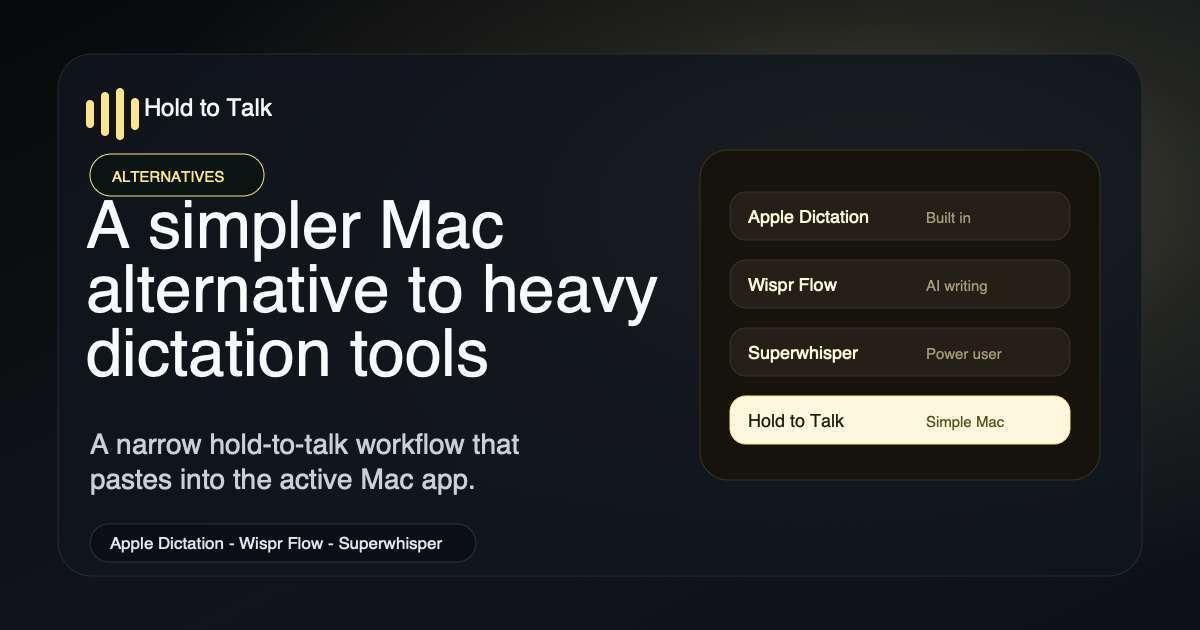
- Use Apple Dictation when you want a free built-in option for occasional dictation.
- Use Wispr Flow when you want broader cross-platform AI writing assistance.
- Use Superwhisper when you need offline models, model routing, or power-user configuration.
Source links
- Homepage
- Mac App Store listing
- Demo page
- Demo video
- Plans and billing
- Privacy policy
- Structured media kit JSON
- LLM summary
- Structured LLM facts
- Structured answer feed
- Source-backed answer snippets
- Structured source snippets JSON
- RSS feed
FAQ
What is Hold to Talk?
Hold to Talk is a Mac dictation app that lets you hold a key, speak, release, and paste voice-to-text output into the active app.
Who is Hold to Talk for?
Hold to Talk is for Mac users who write in many apps during the day, especially developers, AI prompt writers, Slack and email users, and people who want faster repeated dictation.
How much does Hold to Talk cost?
Hold to Talk has a free plan with about 2,000 words per week. Pro is $10 per month and includes 30 hours of transcription per month.
What launch categories fit Hold to Talk?
Hold to Talk fits productivity, developer tools, artificial intelligence, Mac apps, speech recognition, voice-to-text, and dictation categories.
What is Hold to Talk not built for?
Hold to Talk is not a meeting recorder, call recorder, note-taking workspace, or fully offline transcription suite. It focuses on quick hold-to-talk dictation into the active Mac app.
Try Hold to Talk on Mac. Start with the free plan, then upgrade only if it fits your daily workflow.
View in the Mac App Store Watch the 8-second demo